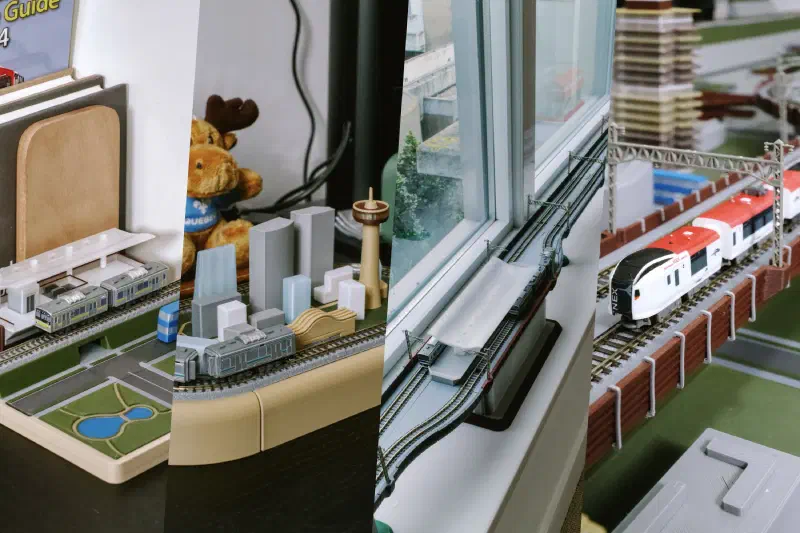
Mini City Rail is a collection of ideas and designs for building cityscapes and rail transit structures. The system is designed to fit spaces of various sizes, requires no permanent furniture modifications, and is modular so you can update it as new ideas come in.
Inspiration & Philosophy #
City-building and transit simulation games like SimCity 4 and Cities: Skylines capture a kind of creative play I wanted to see in physical scale models. Mini City Rail started from that same idea: the ability to design a neighborhood, place a station, and watch the system come alive by running trains through it. It brings the fun of urban planning and transit simulation into physical form.
The goal isn’t just to run trains through scenery, but to build cities that feel worth living in: livable neighborhoods, vibrant commercial streets, iconic public spaces, and efficient transit systems.
At the same time, city rail transit gets less attention in the model train hobby than freight operations, especially in North American, despite being what many people use daily. That gap is what pushed this project forward.
Embracing Design Constraints #
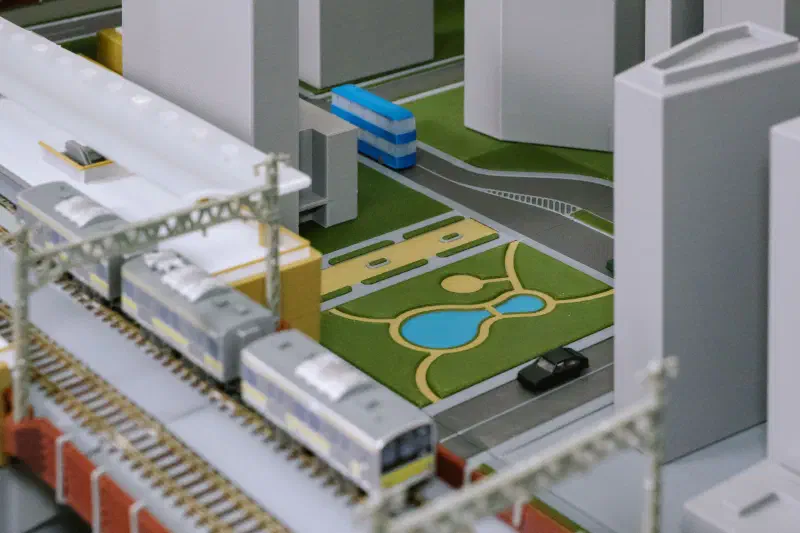
Every component is designed to be disassemblable and swappable. Nothing is bolted down, glued permanently, or built into modified furniture. This allows the layout to move from one rented space to another, and you can keep updating it as new ideas come in.
Interchangeability is built into the design. Consistent connector mechanisms mean additional styles of side walls, support columns, and other components can be created under one standard. When new parts are designed (by me and by anyone else), they slot into the existing framework naturally, so the collection can keep expanding.
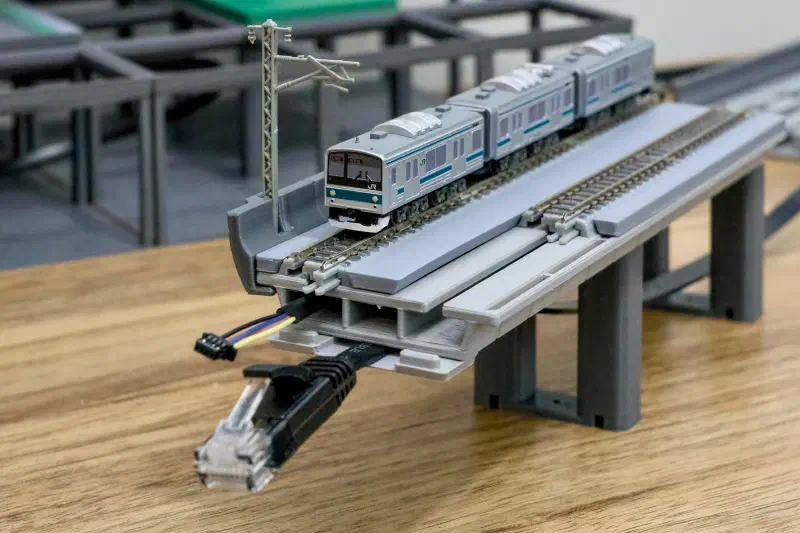
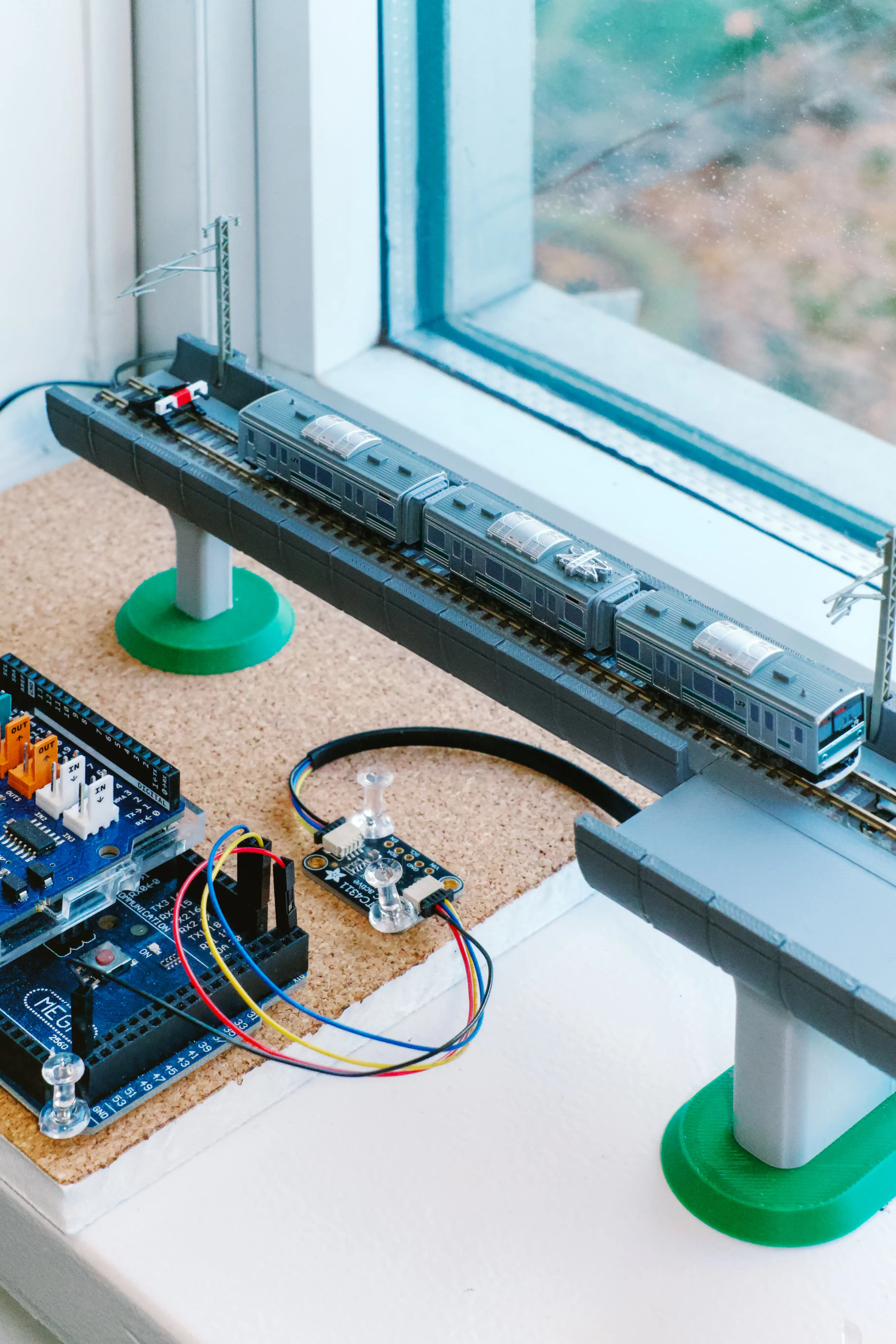
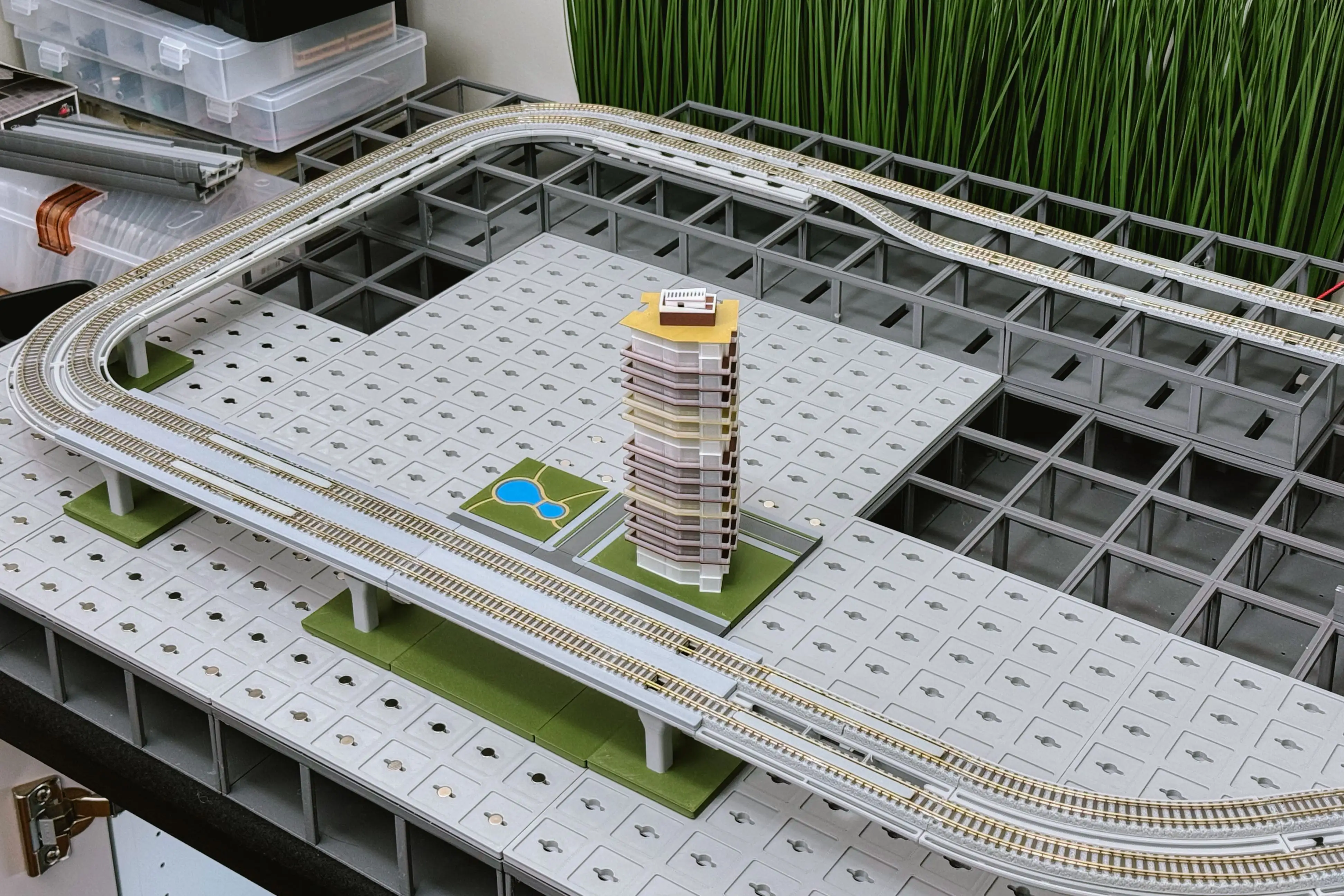
In one of the construction modes (see a later section), there is no baseboard to hide wires and electronics. The guideway segments, station boxes, and support columns themselves are housings for infrastructure, just as real transit systems conceal their workings. With limited space inside these small structures, specific electronics are used to merge signals from dozens of sensors into a single cable.
Aesthetic Directions #
The default style is inspired by the neutral look of architecture models in urban planning displays and museums. It focuses on city elements and layouts, rather than emphasizing photorealism.
That said, there are no restrictions on aesthetic style. Designs and printed objects can be remodelled, decorated, painted, and modified in any way to suit your personal taste.
Scale Compression #
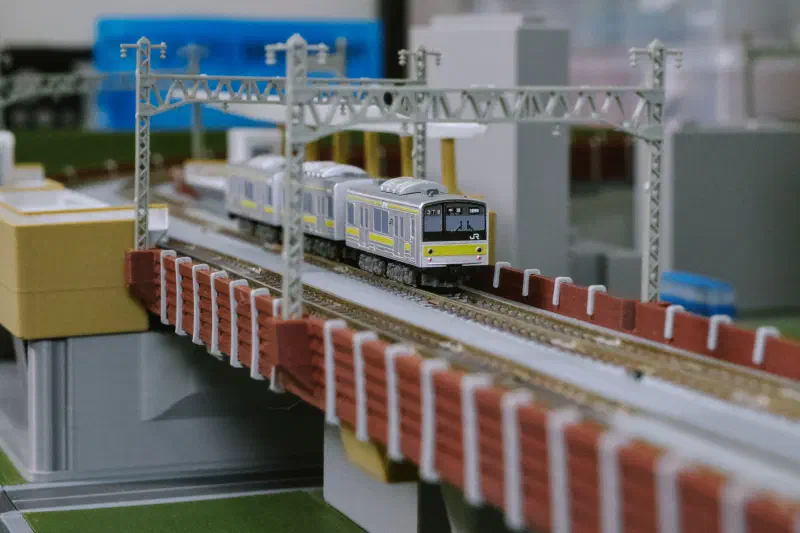
Instead of striving for uniform scale fidelity, Mini City Rail embraces non-uniform scaling. The cityscape elements are designed at 50–75% of the train scale. This mirrors the approach of tile-based city-building games, where density and visual clarity take priority over strict geometric accuracy.
Scale decisions here focus on the experience of urban transit, not on matching a specific scale. Buildings are compressed even further in height, leaving more visible space for street-level details like small plazas and buses.
Main Construction Modes #
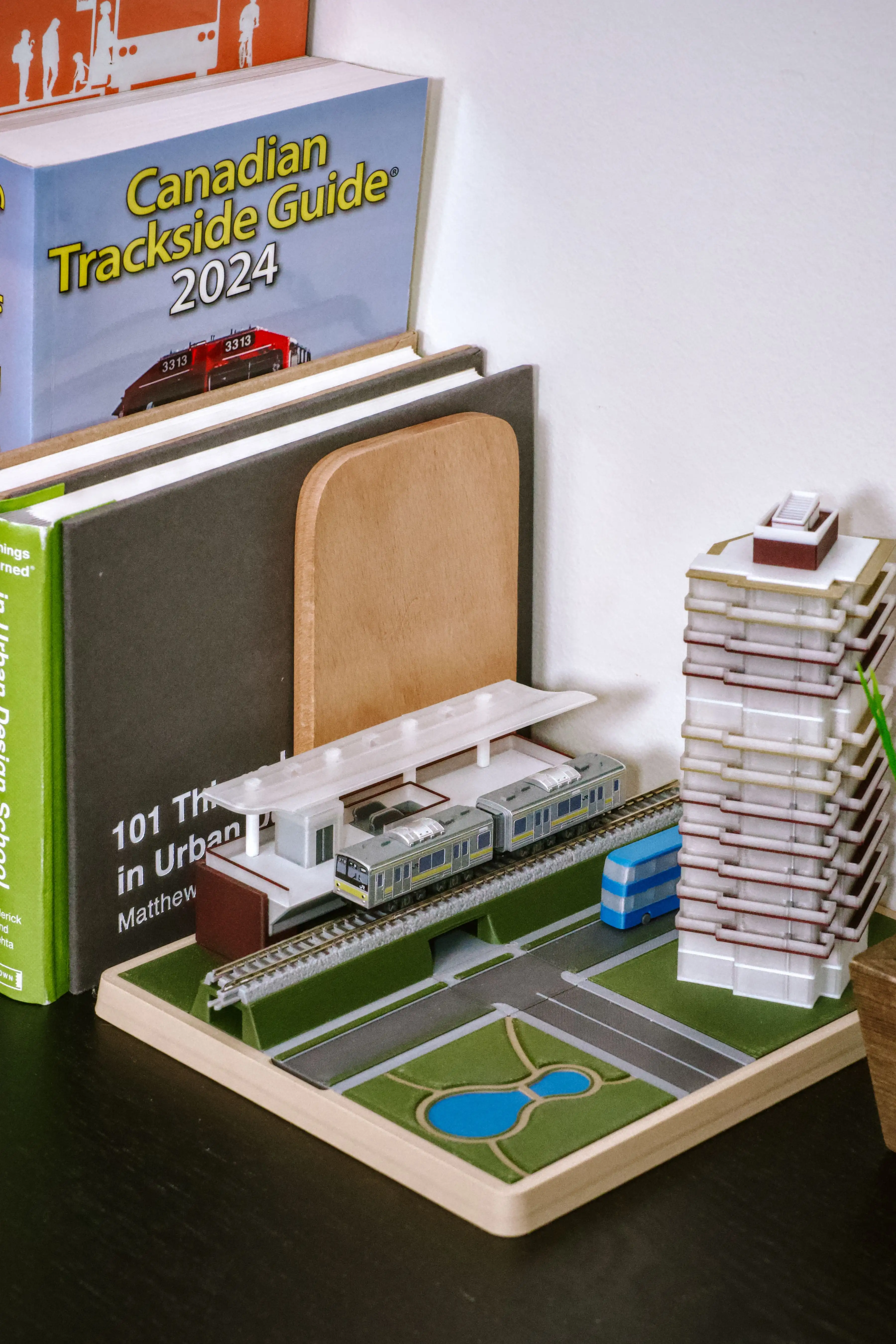
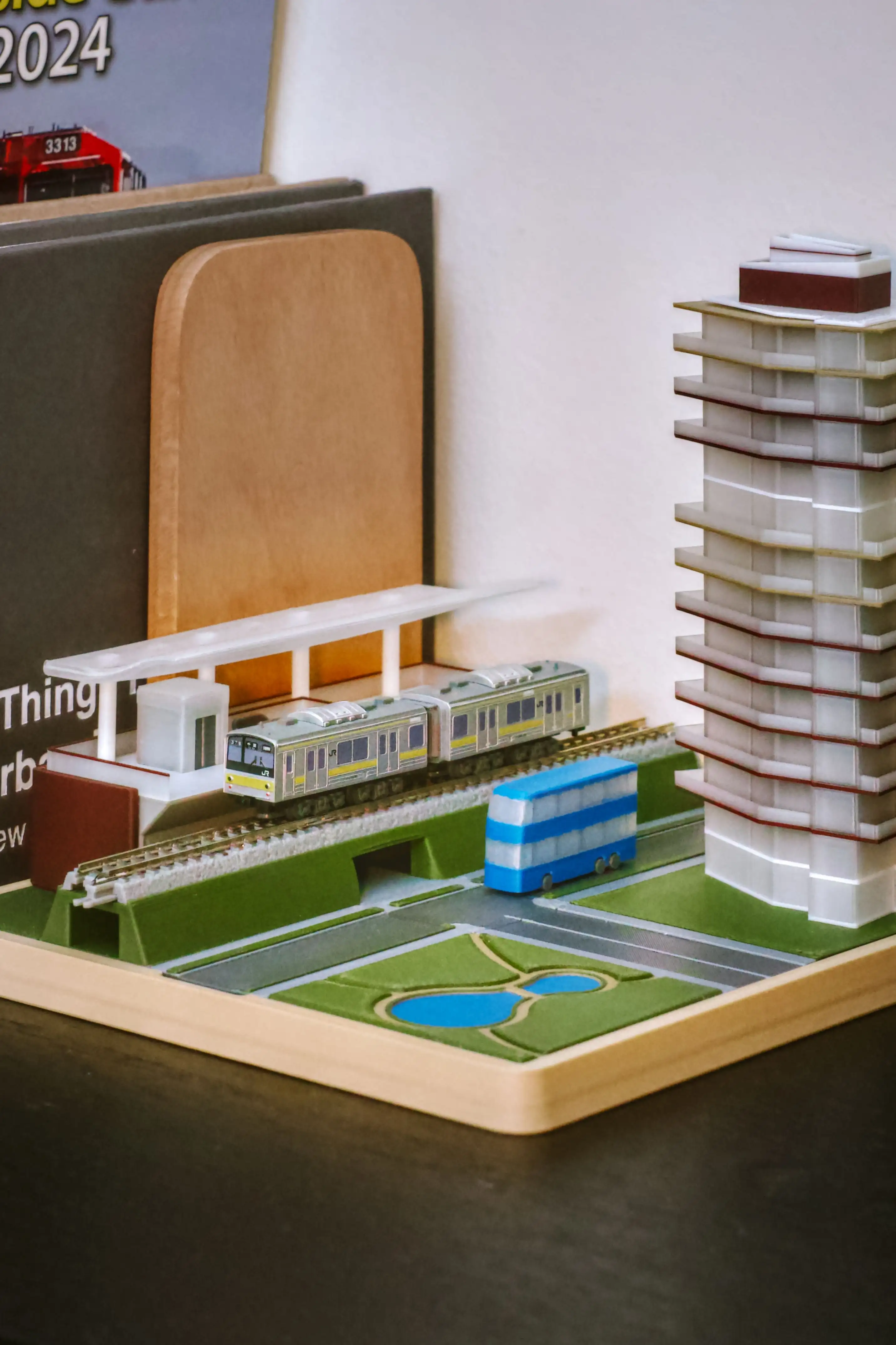
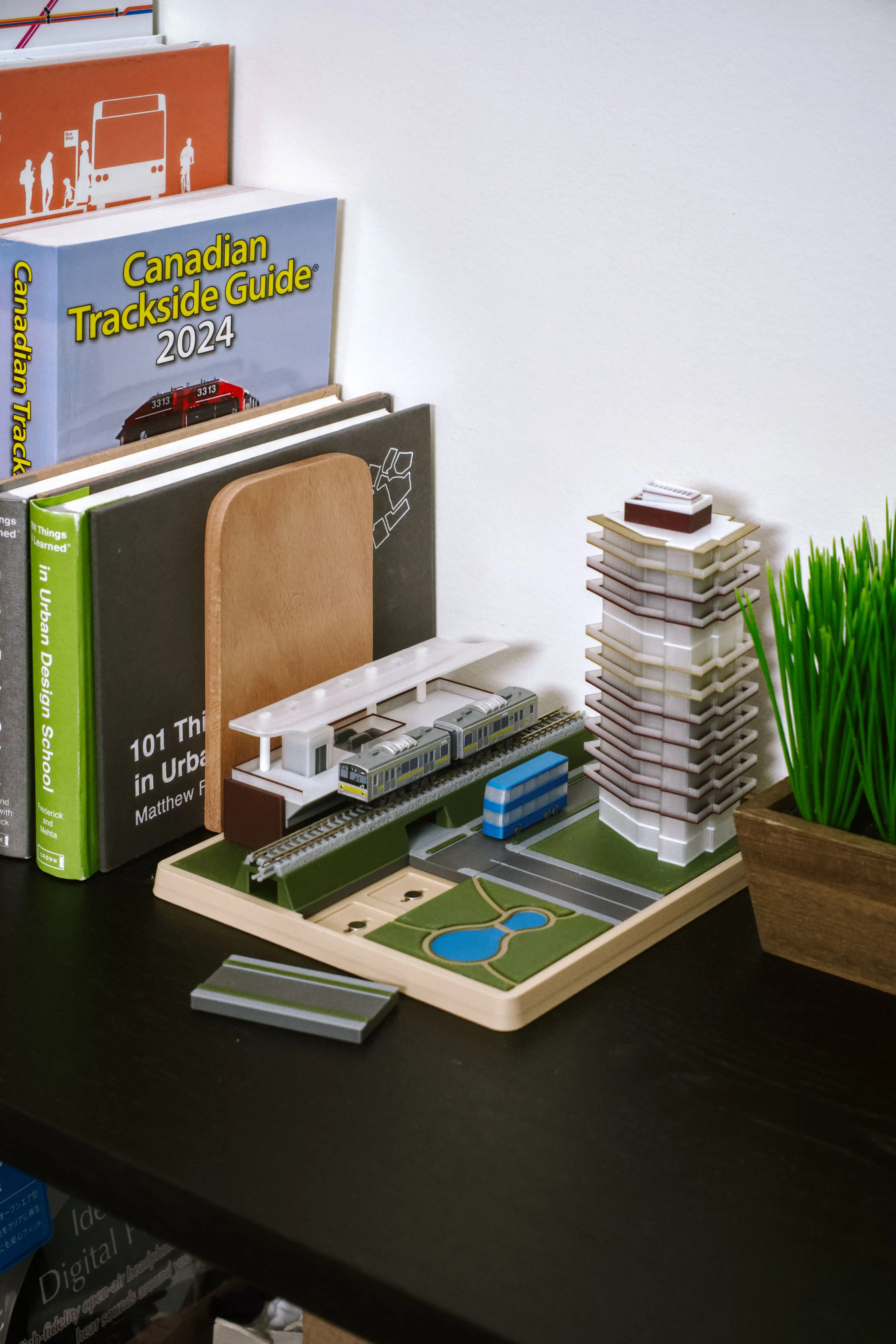
The Diorama #
Essence of cityscape captured in a small, contained space. Suitable for desktop, bookshelves.
Structural components:
- Buildings and guideways
- Surface tiles for tracks, roads, parks, blank areas, etc.
- Foundation tray
The Oval Loop #
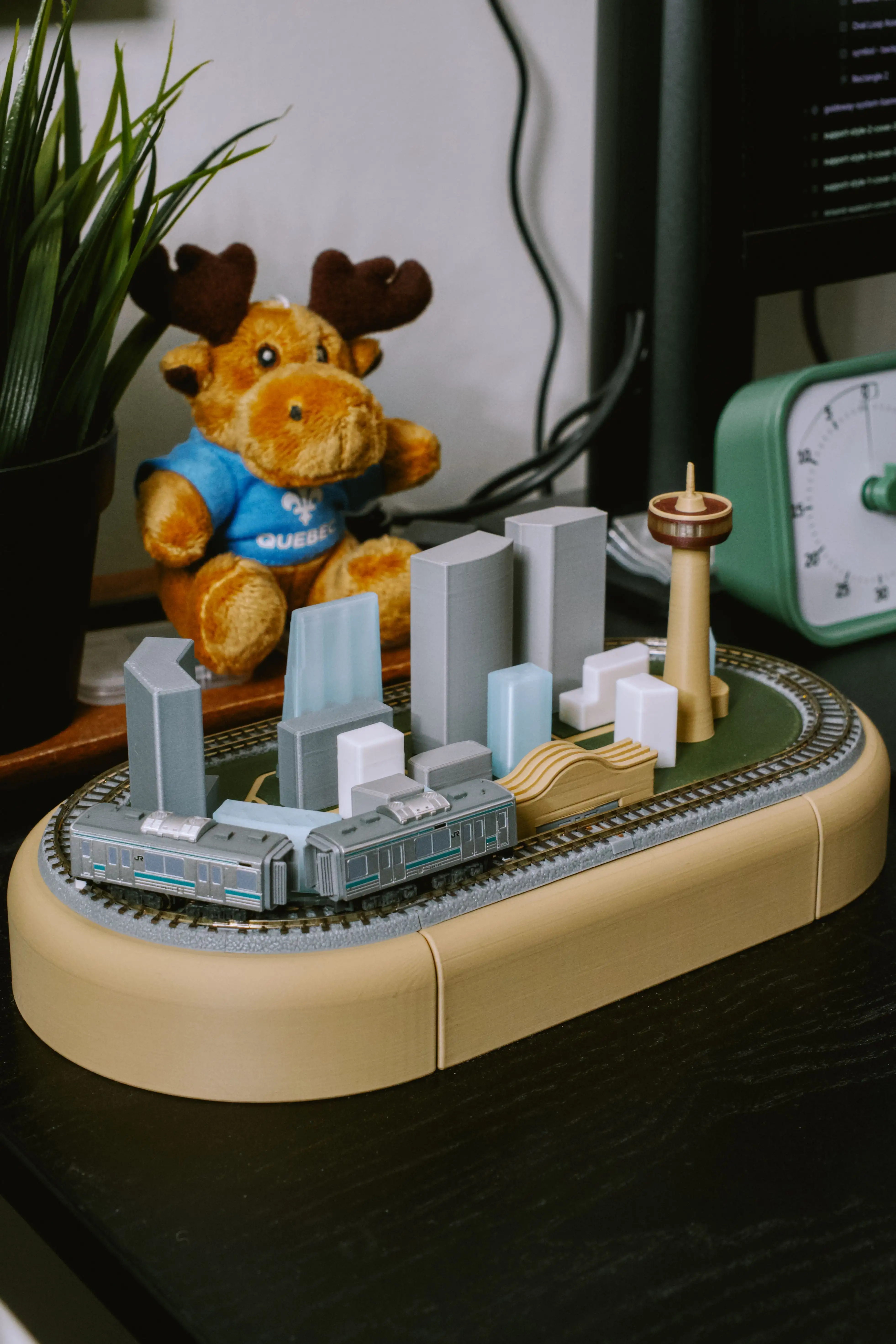
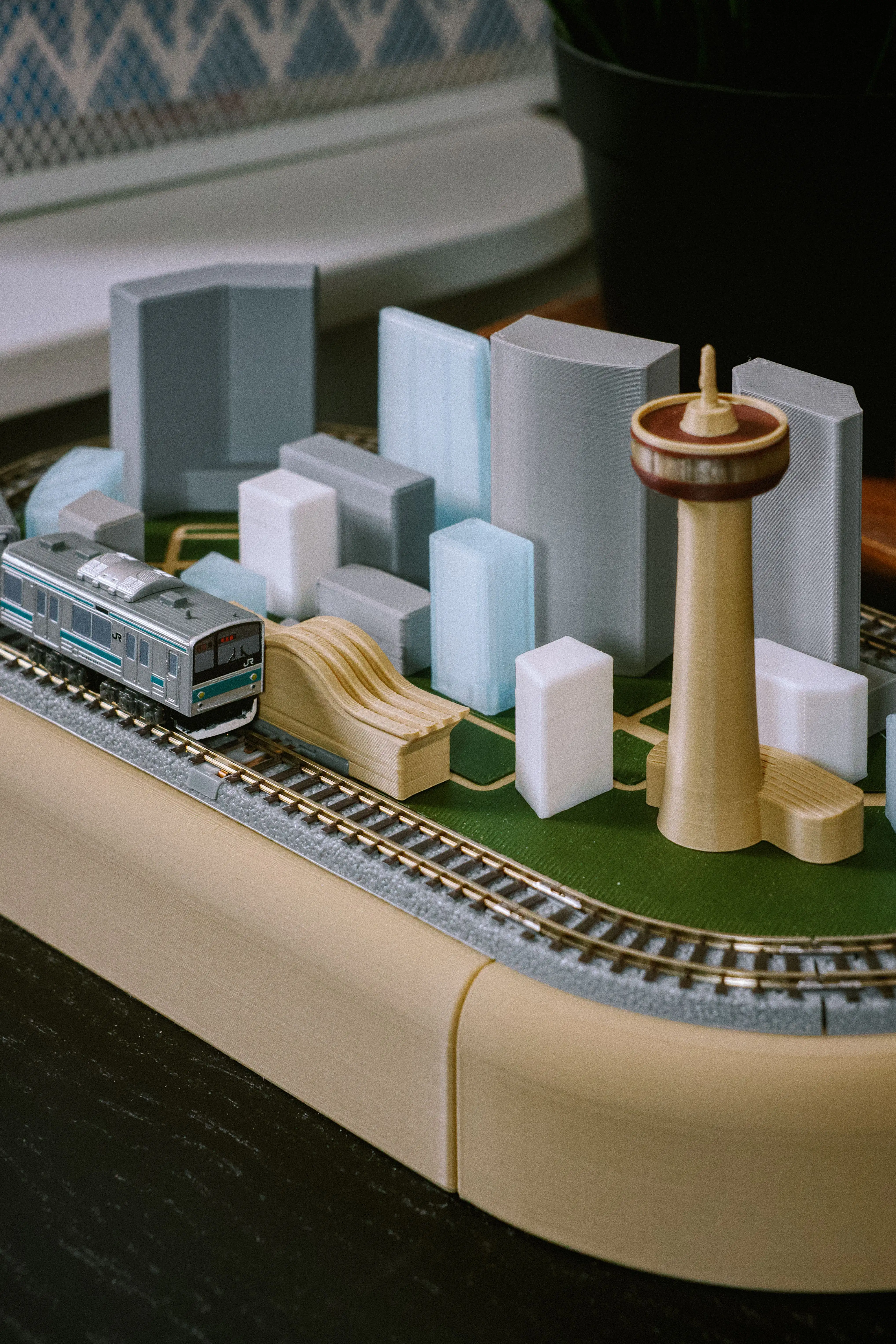
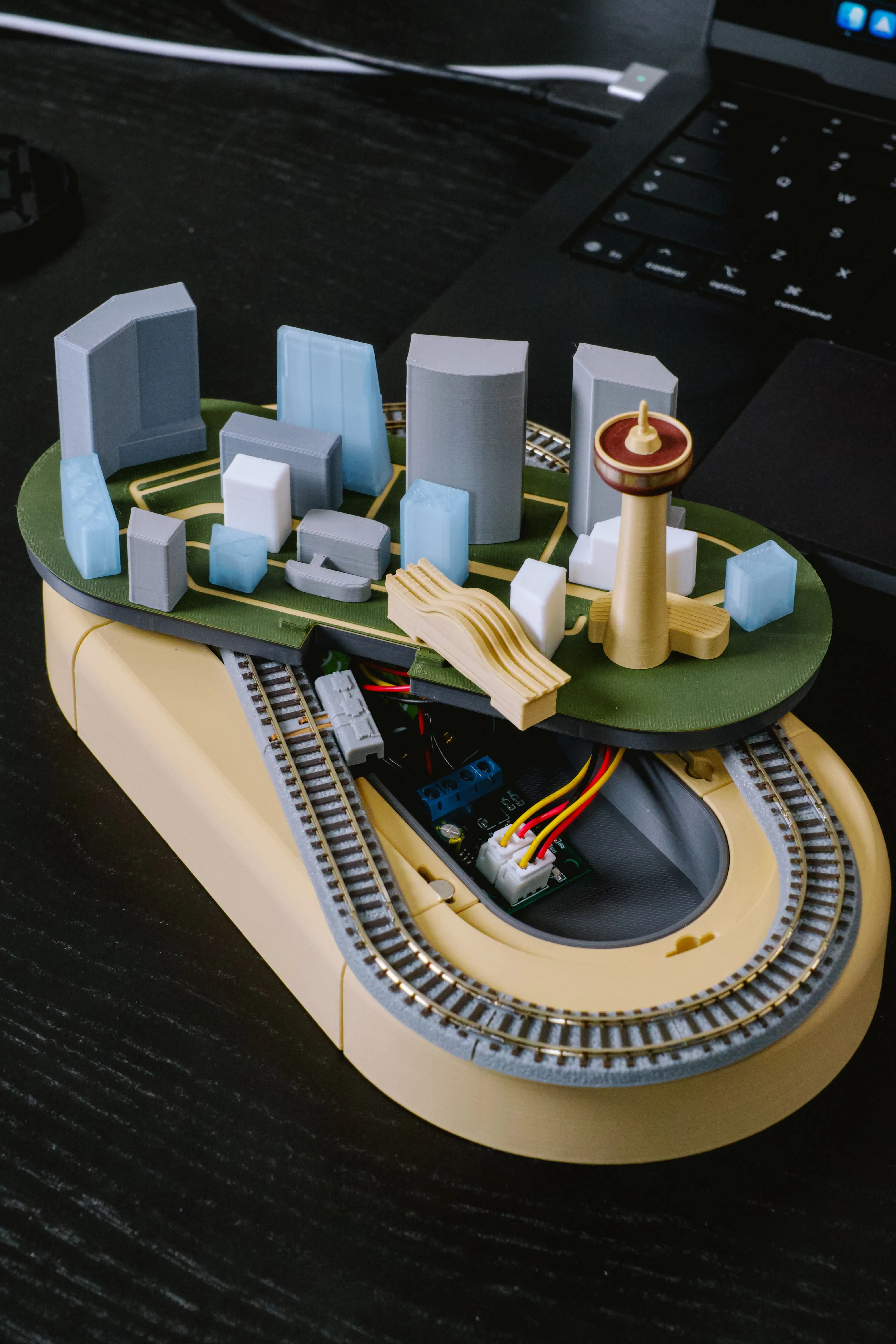
Compact scenery enclosed by oval track(s). Suitable for coffee tables, nightstands.
Structural components:
- Tiny buildings
- Oval surface deck
- Alternative: surface deck tray and surface tiles
- Oval tray core and track ring

The Elevated #
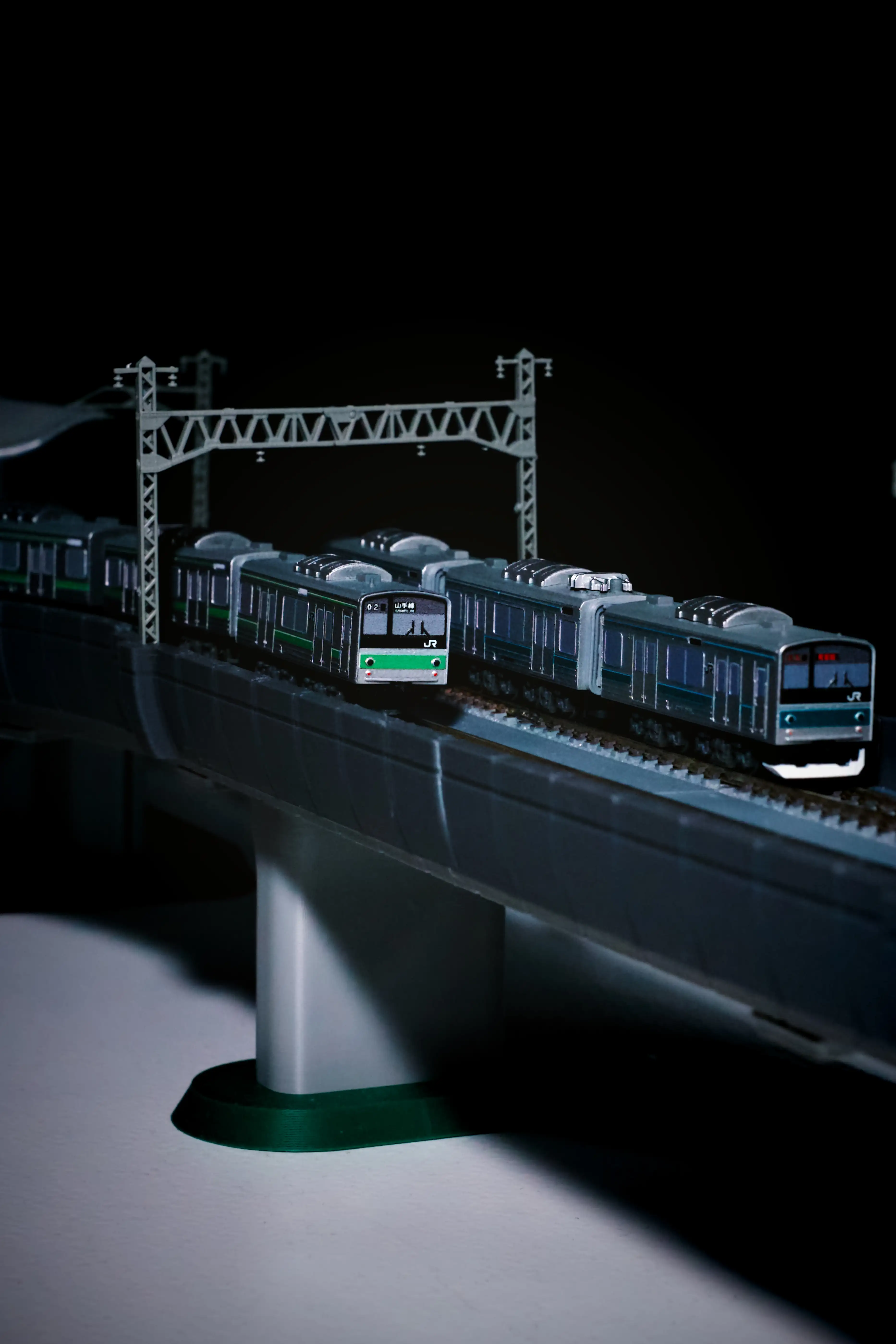
Elevated guideway connecting stations spanning longer or wider surfaces. Suitable for windowsills, top of bookshelves.
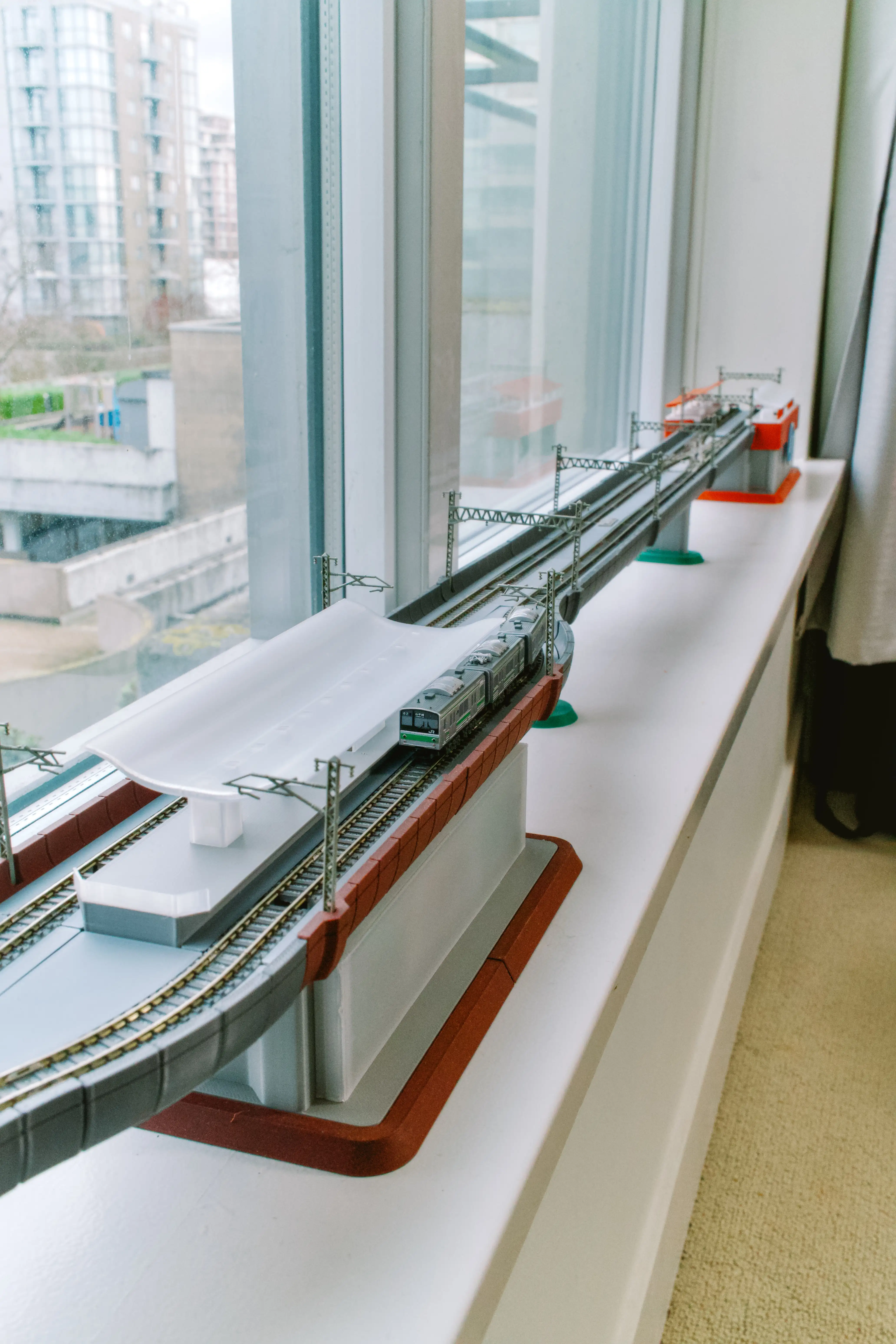
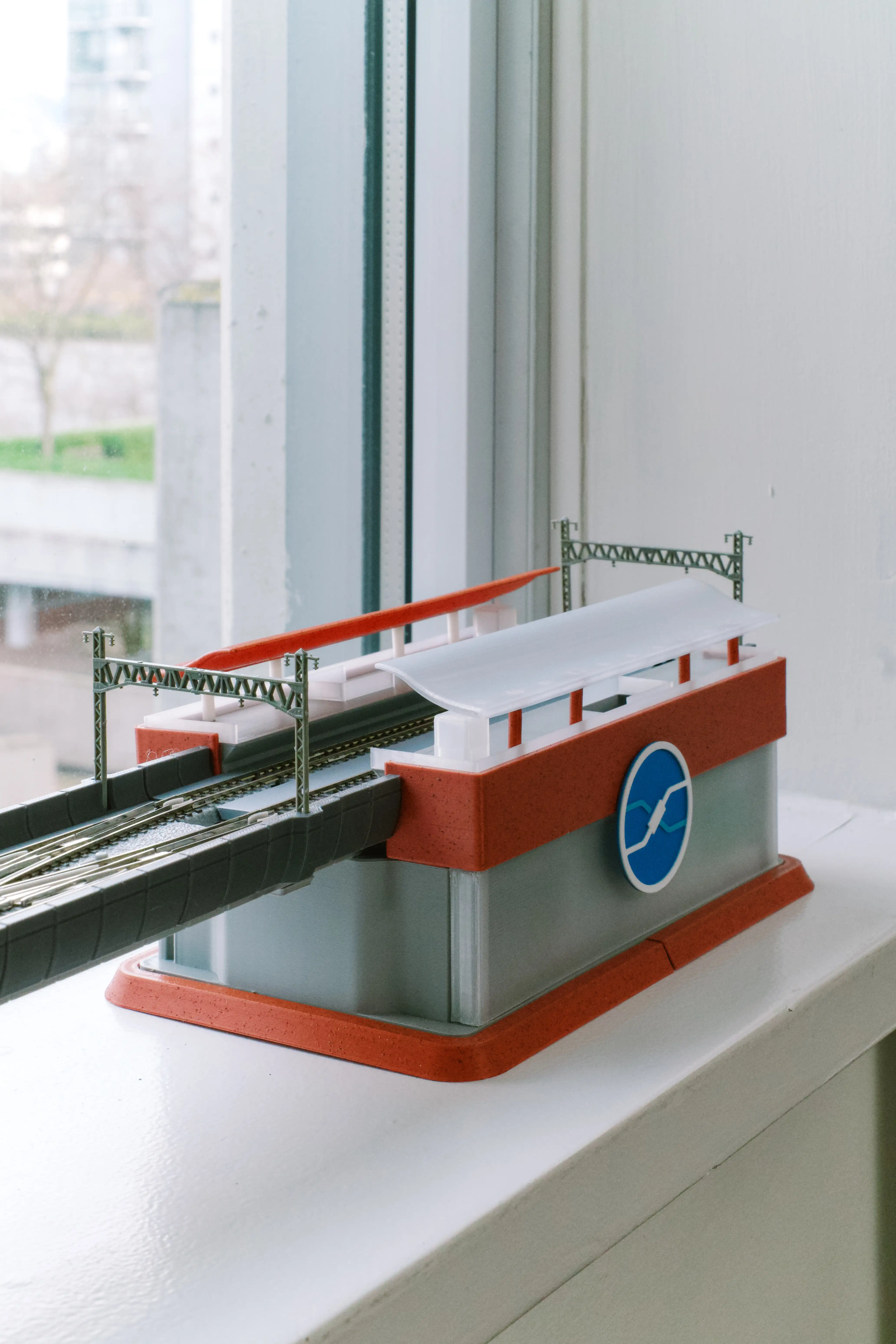
Structural components:
- Guideway segments
- Support columns on foundation
- Stations on foundation
The Terraformed #
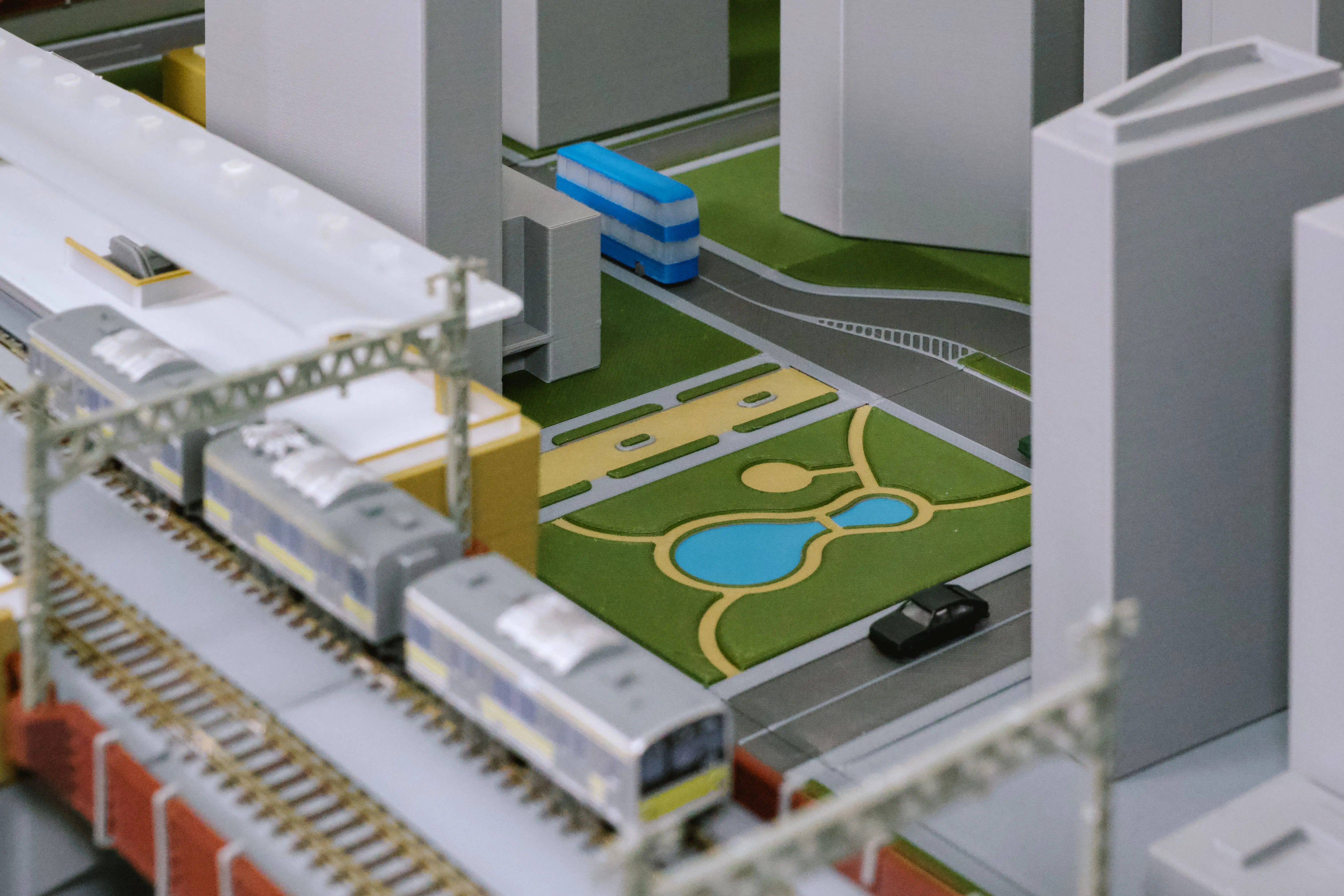
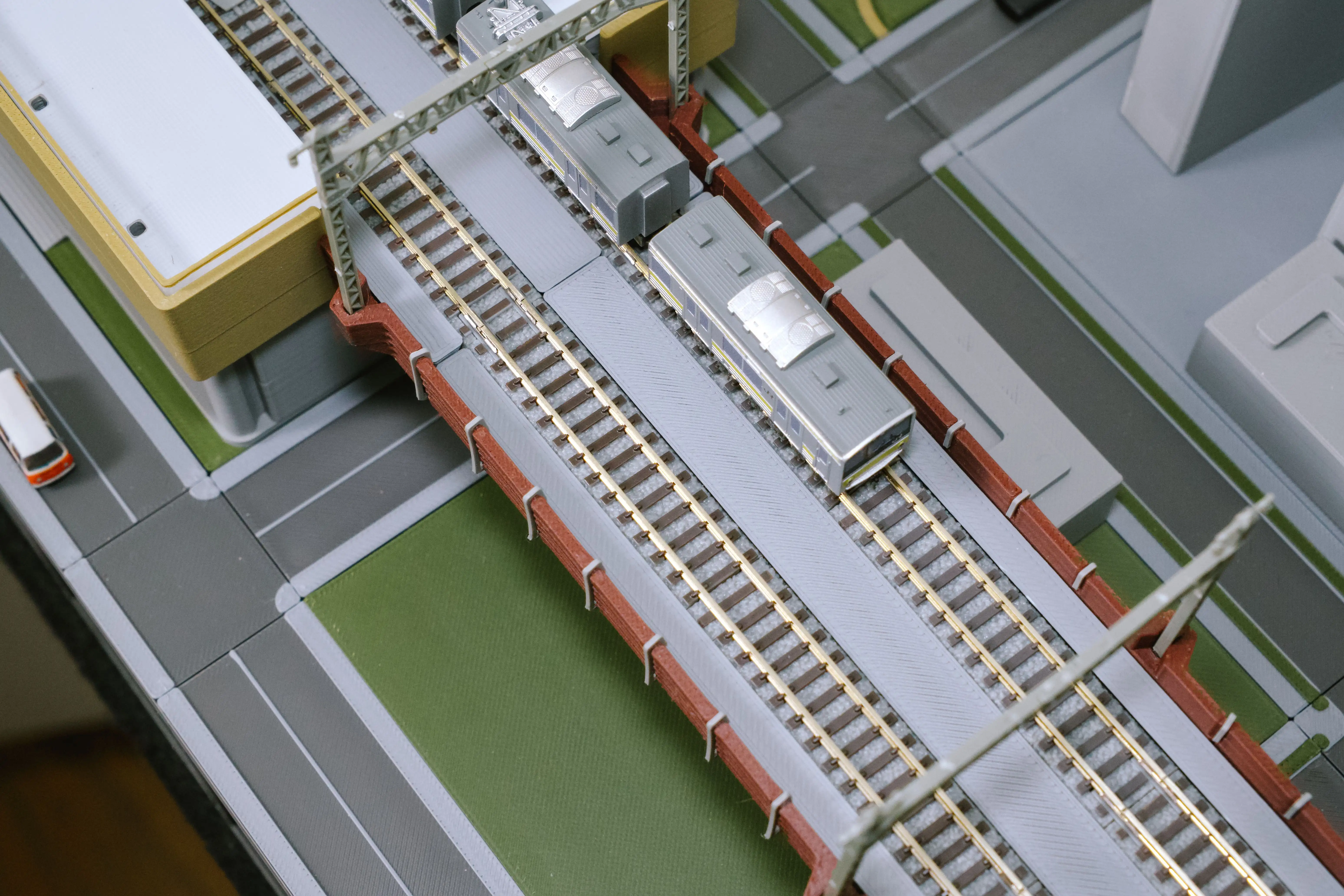
Expanded cityscape on a grid-based ground foundation. Suitable for bigger spaces dedicated for crafts.
Structural components:
- Buildings and guideway segments
- Guideway support columns on surface tiles
- Surface tiles for tracks, roads, parks, blank areas, etc.
- Retaining walls
- Baseboards
- Baseboard risers (base and tier)
Open Design & Specifications #
Measurement & Customization #
The measurements and joining methods are designed to be consistent and straightforward, so anyone who wants to create their own designs can fit them into the system.
Grid Tile System #
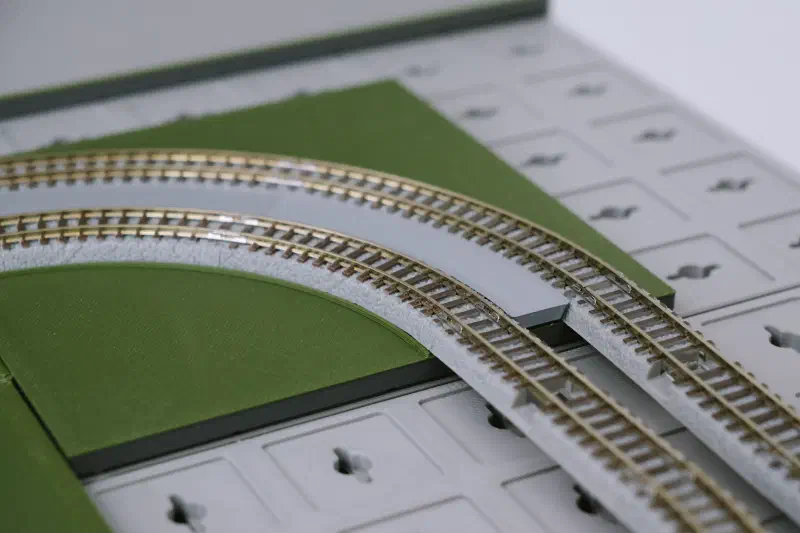
Rather than creating a new standard, the grid measurements are derived from existing Marklin / Rokuhan track dimensions used in a double-track setup. This means the system works with off-the-shelf track without requiring any proprietary parts. Key measurements include:
- Grid tile size: 27.5mm × 27.5mm ( = 55mm track ÷ 2)
- Track position: when double tracked, the center between two tracks is on the grid line (not at the center of a grid square)
- 90° turns: R70 inner + R95 outer , ensuring curves start and end cleanly on grid lines
Joining Methods #
Touching Joints #
This is the primary joining method for components within a structure, such as guideway structure, station platform parts, and building floor levels.
The guideway system heavily uses pill-shaped “tabs-and-slots” as the joint type. Slots/tabs are positioned at points derived from the 55mm/27.5mm/13.75mm measurements.
Non-touching Joints #
This is the main method for positioning components on surfaces, such as placing a building on a surface tile. This lets you rearrange components repeatedly and place structures anywhere on surfaces, without needing visible slots or tabs on the visible surfaces.
Magnets of 6mm diameter × 3mm tall are used to balance magnetic strength against available space.
This means your designs or those of others can be adapted to fit the grid system. Simply add a hole for inserting magnets, and the design can be used by many others.
Specification Sharing #
Diagrams and key measurements will be published. Tools for modifying 3D designs e.g. stamps for creating magnet inserts, are also planned for sharing.
Material & Production Method #
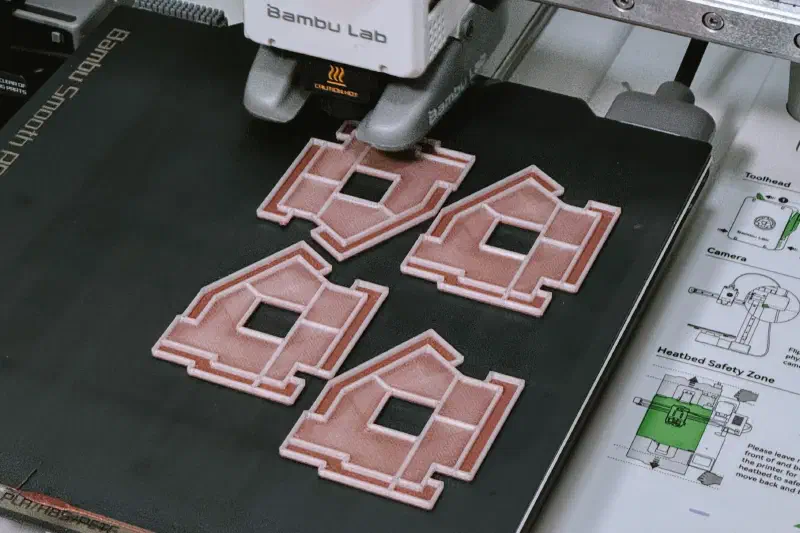
Currently, all the components are designed for FDM 3D printing. Future creations may support additional 3D printing methods, as well as manufacturing techniques like laser cutting and CNC milling.
Feedback & Communication #
Version release notes are maintained to highlight changes across design revisions.
I put careful thought into this project, but mistakes inevitably slip into both designs and documentation. I welcome feedback, corrections, suggestions, requests, and questions from everyone who uses or builds on this project.
Here are some examples of things I would love to hear:
- could you make a piece to fit <insert Rokuhan/Marklin product code>?
- is a particular pair of components too tight / loose to fit together?
- is a particular piece too difficult to print?
- does a particular STL file have incorrect geometries?
- could you explain a bit more about “<insert topic here>” in the documentation?
- any general question about the project?